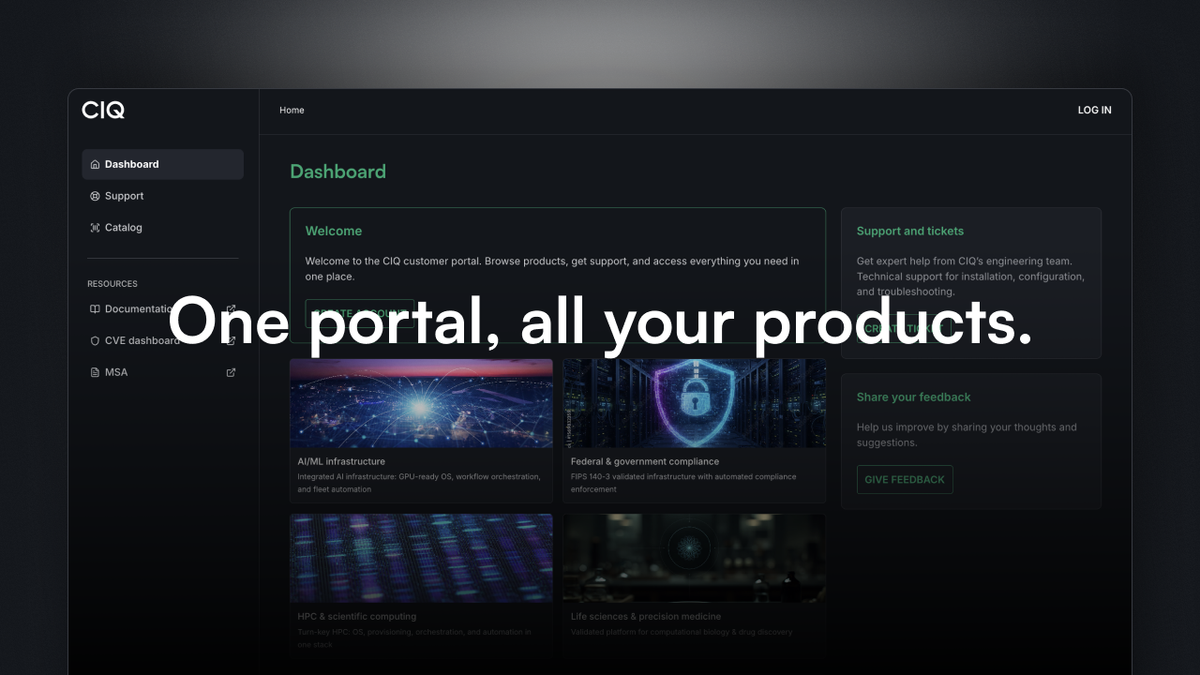
As organizations scale their use of Enterprise Linux for AI, high-performance computing, and production infrastructure, managing software deployments, credentials, and team permissions from a central location becomes essential.
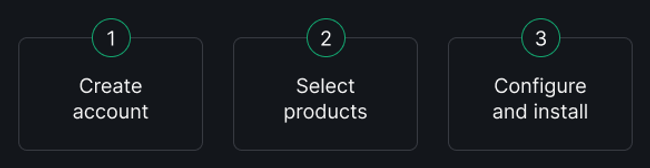
The CIQ portal (portal.ciq.com) is now the home of product downloads, license keys, and links to documentation, a one-stop shop for all your CIQ product needs. Whether you want to start with free products, run a 30-day trial, or deploy at enterprise scale, you can go from registration to your first download in under a minute. Self-service from registration to deployment.
Who should use the CIQ portal?
- Are you an organization running on NVIDIA GPUs in the cloud? Sign up for the free RLC+ tier in the portal.
- Are you an open source developer? Grab a developer license.
- Are you evaluating RLC Pro for your enterprise environment? Start a 30-day trial on your own terms.
- Are you responsible for distributing access to your engineering team? Use the portal to manage your organization's licenses and members, all in one place.
Why should you use the CIQ portal?
The portal lets you log into your individual or enterprise account and immediately access licenses, documentation, and downloadable ISOs and installers across the full CIQ product portfolio: RLC Pro, RLC Pro Hardened, RLC Pro AI, RLC+, CIQ Bridge, Fuzzball, Ascender Pro, and Warewulf Pro. One interface, all your products.
Let's walk step-by-step through the available menus and common questions.
From login to ready in minutes!
Finding the CIQ portal couldn't be more simple: You can visit portal.ciq.com or in the top menu of our website (ciq.com), you can click login. Either method will drop you straight into the dashboard.

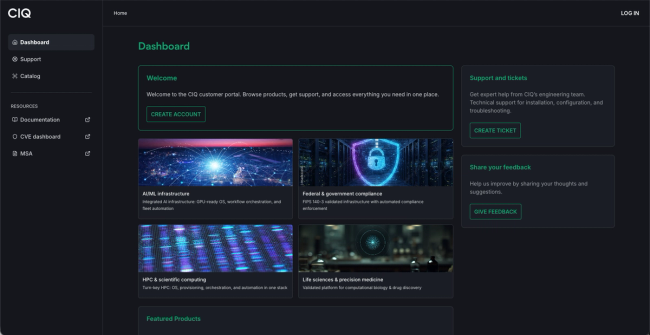
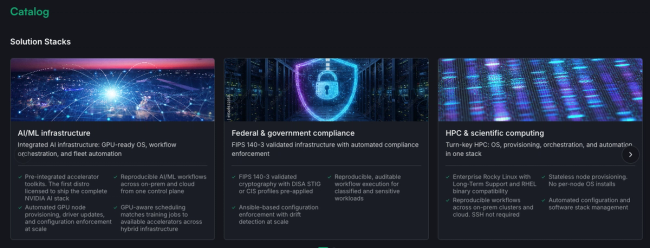
When you first land on the page, the item of highest interest is the Catalog. The catalog is made up of two major sections. The first is Solution Stacks: a use-case-first view of our product portfolio. Not sure which products apply to your situation? Start here. Need an AI/ML solution? There is a stack for that. Regulated environment? Same deal. HPC workloads? Covered. Solution Stacks help you figure out what you need before you start acquiring products.
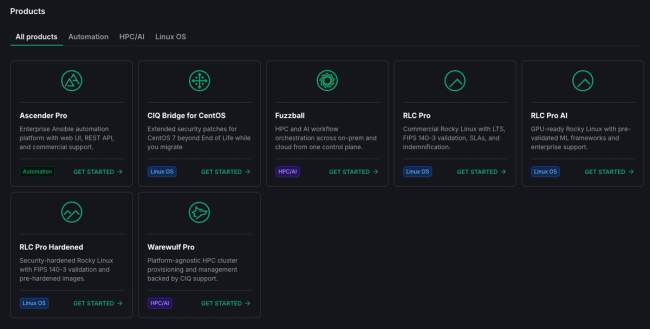
The other half of the catalog is organized by product type and product name. You can easily search our portfolio based on product type.
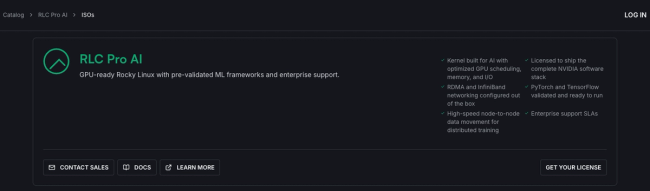
Let's walk through an example: Let's say you want to deploy a sovereign AI model in your company data center. We'll select RLC Pro AI, our Rocky Linux from CIQ Pro AI product. This will allow us to review documentation or go ahead and contact sales for a new license.
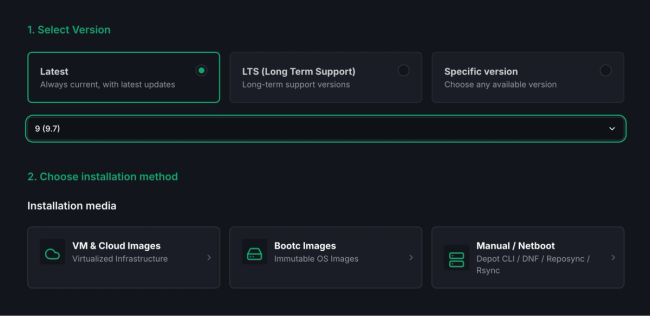
We're given a number of options to deploy our desired image, including cloud, netboot, and traditional ISOs. Let's select "VM & Cloud Images" and accept the default for the latest version of RLC Pro AI. You can select a specific version, grab the latest, or see which versions are eligible for LTS (Long-Term Support).
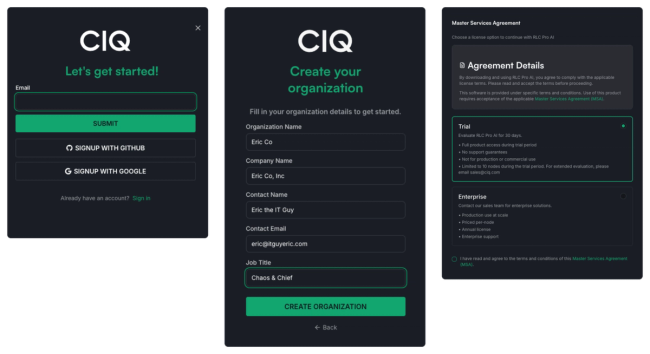
Now, before we proceed, hit Deploy. If you are not already logged in, you will be prompted to log in or create an account right from within the same workflow.

You can create an account with an email and password, or sign in with your existing GitHub or Google credentials. Fill in your appropriate personal and corporate information. Then select Trial and agree to the MSA.
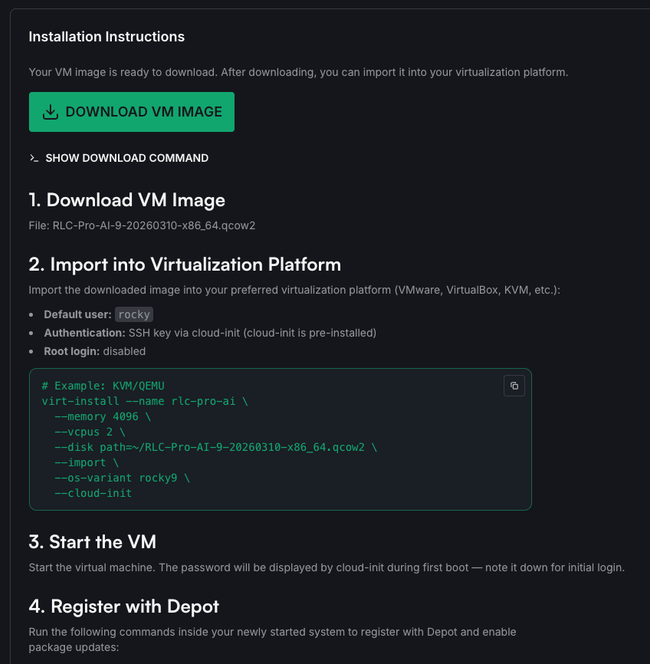
Once you're logged into your account, you'll be dropped right back into your active workflow! This now provides you with deployment instructions.
Start using the portal now
Whether you are a developer looking to roll RLC Pro AI in your homelab, an Organization Admin setting up a new user, or a Systems Administrator looking to deploy a fresh install of Ascender Pro, the portal makes it easy to get all your CIQ resources in one place.
Ready to get started? Head over to portal.ciq.com to create your account, explore the catalog, and download your first product on your own terms. If you want a guided walkthrough first, check out the CIQ portal video walkthrough before you dive in.
Want to go deeper on products like Ascender Pro, Warewulf Pro, and RLC Pro? Visit our YouTube channel at youtube.com/@CtrlIQ.